TIEMask.SetShape
Declaration
procedure SetShape(x1, y1, x2, y2: integer; Shape: TIEShape; AdjustAspectRatio: Boolean = False; Angle: Integer = 0; ShapeModifier: Integer = 0; AntiAlias: Boolean = True);Description
Set a shaped selection. A pixel with mask 1 or >0 is selected.| Parameter | Description |
|---|---|
| x1, y1, x2, y2 | Area to select |
| Shape | An ImageEn Shape |
| AdjustAspectRatio | Force the shape to use its preferred aspect ratio, e.g. a perfect circle for iesEllipse |
| Angle | Rotate the shape |
| ShapeModifier | Applies a modification to the shape (see details under TIEShape) |
| AntiAlias | Applies anti-aliasing to the edge of the shape selection |
Note: This is the same as using TImageEnView.SelectShape
Demo
 | Demos\ImageEditing\EveryMethod\EveryMethod.dpr |
Examples
Also see: Automated Samples
SelectionMask.SetShape( 10, 10, 140, 140, iesExplosion );// Make shape a perfect circle
SelectionMask.SetShape( 10, 10, 140, 140, iesEllipse, True );
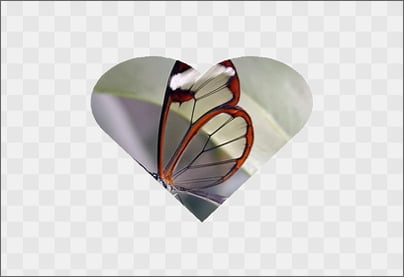
// Add a "Heart" shape selection and clear
ImageEnView1.SelectionBase := iesbBitmap;
ImageEnView1.SelectionMaskDepth := 8;
ImageEnView1.SelectionMask.SetShape( 160, 120, ImageEnView1.IEBitmap.Width - 160, ImageEnView1.IEBitmap.Height - 120, iesHeart );
ImageEnView1.SelectCustom();
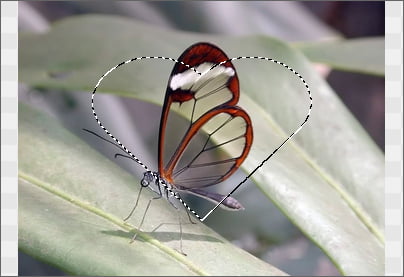
ImageEnView1.InvertSelection( True );
ImageEnView1.Proc.ClearSel( True );