The "Every Method" editing demo allows you to preview 300 editing, analysis and effects methods, and generate sample code.
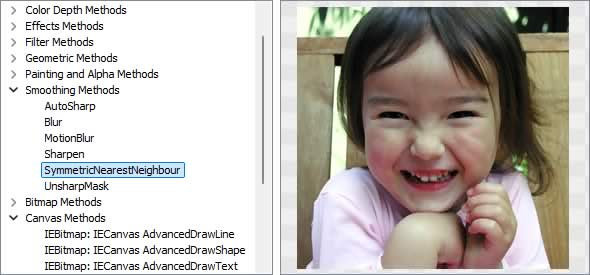
Image Editing Methods
◼Analysis Methods◼Color Adjustment Methods
◼Color Depth Methods
◼Detection Methods
◼Effects Methods
◼Filter Methods
◼Geometric Methods
◼Painting and Alpha Methods
◼Smoothing Methods
◼Other Methods
◼Selection Methods
◼Interactive Tools
Test Images
ImageEnView1.IO.LoadFromFile( 'D:\ImageTest1.jpg' );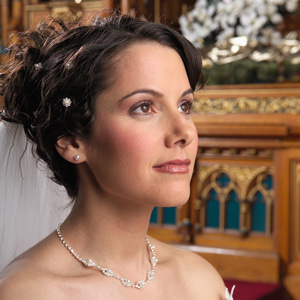
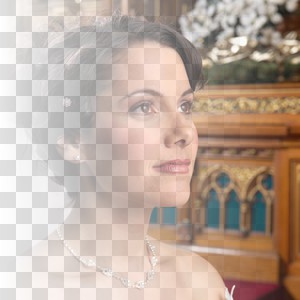
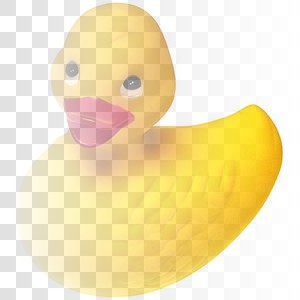
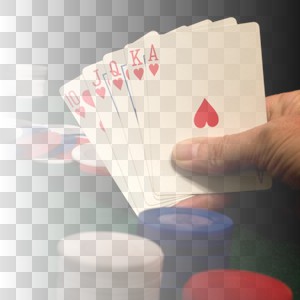
AlphaFill
// Gradient fill the alpha channel with fully transparent on the left to fully opaque on the rightImageEnView1.Proc.AlphaFill( 0, 255, gdHorizontal );
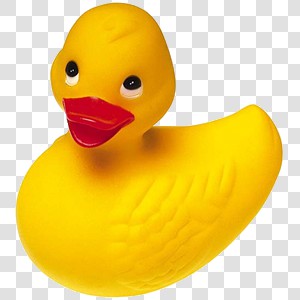
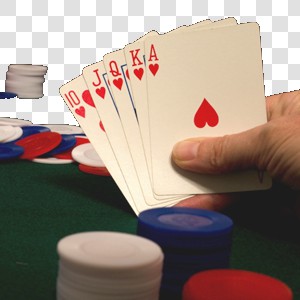
CastAlpha
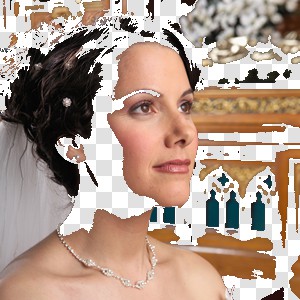
// Flood fill transparency from the top-left of the imageImageEnView1.Proc.CastAlpha( 0, 0, 0, 50 );
CastAlphaRange
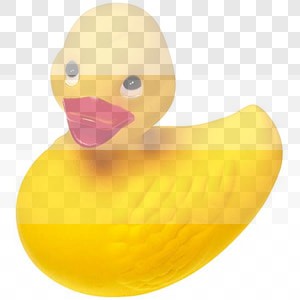
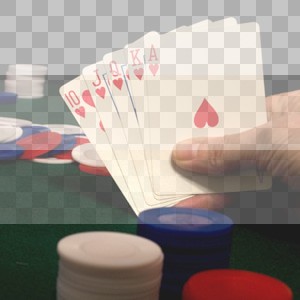
// Reduce number of alpha values to 4 (i.e. 2-bit alpha)alphaCount := 4; // Number of alpha channel values
a := 255 / alphaCount; // Range of each alpha band
ImageEnView1.LockUpdate();
ImageEnView1.IEBitmap.AlphaFill( 0, 255 ); // Add an alpha gradient to the image
for i := alphaCount - 1 downto 0 do
ImageEnView1.Proc.CastAlphaRange( Round( i * a ), Round( (i+1) * a ), Round( (i+1) * a ));
ImageEnView1.UnlockUpdate();

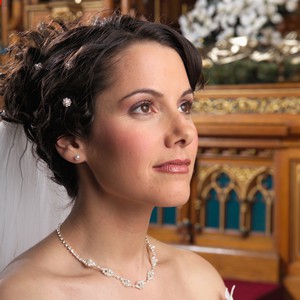
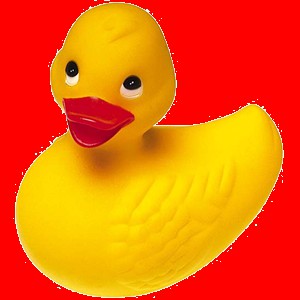
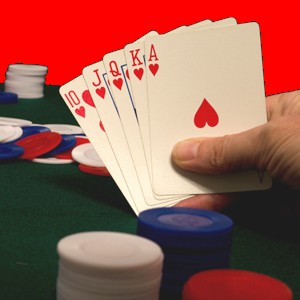
CastColor
// Perform a red flood fill starting at 0,0 (with a tolerance of 10)ImageEnView1.Proc.CastColor( 0, 0, clRed, 10 );
CastColorRange
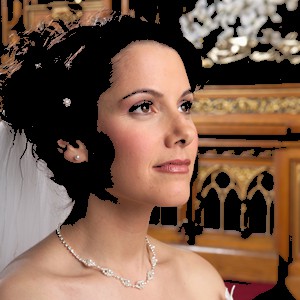
// Change all dark values (from dark gray to black) to blackImageEnView1.Proc.CastColorRange( CreateRGB(0, 0, 0),
CreateRGB(100, 100, 100),
CreateRGB(0, 0, 0));
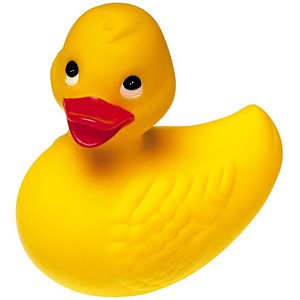
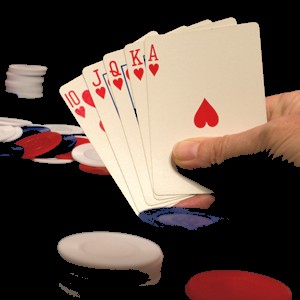
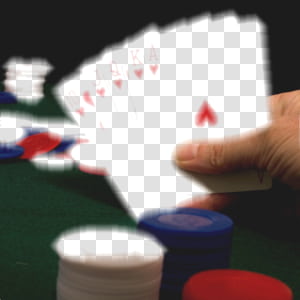
FeatherAlphaEdges
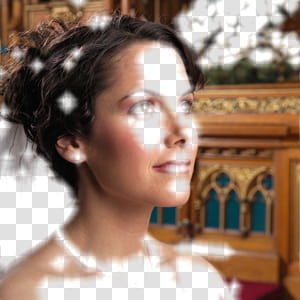
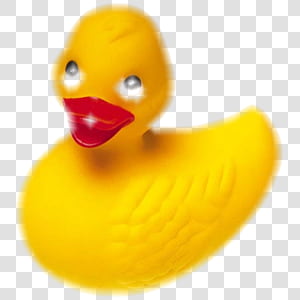
// Make colors similar to white transparent and then feather the alpha edgesImageEnView1.Proc.SetTransparentColors( CreateRGB( 156, 156, 156 ), CreateRGB( 255, 255, 255 ), 0 );
ImageEnView1.Proc.FeatherAlphaEdges( 10 );
Fill
// Fill selection with redImageEnView1.Proc.Fill( clRed );

GradientFill
// Fill selection with a yellow to red vertical gradientImageEnView1.Proc.GradientFill( clYellow, clRed, gdVertical );

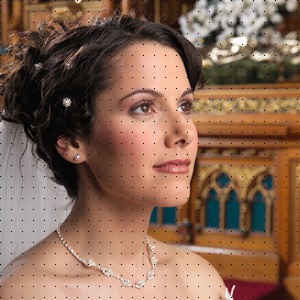
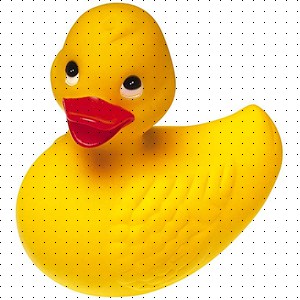
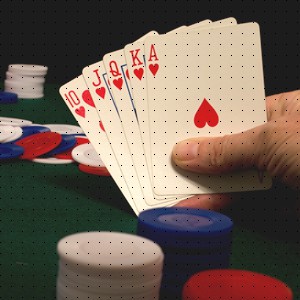
PaintMark
// Draw a black pixel every 10 pixels horizontally and verticallyImageEnView1.Proc.PaintMark( 10, CreateRGB(0, 0, 0) );
inPaint (IEVision)
// Inpaint an area of the image (to fill missing areas of image or erase blemishes)ImageEnView1.IEBitmap.GetIEVisionImage().InPaint( selRect.Width, selRect.Height, ipRect, rangeSize, ievINPAINT_TELEA );
ImageEnView1.Update();

Random
// Fill with pixels of random values (Gaussian distribution)ImageEnView1.Proc.Random();

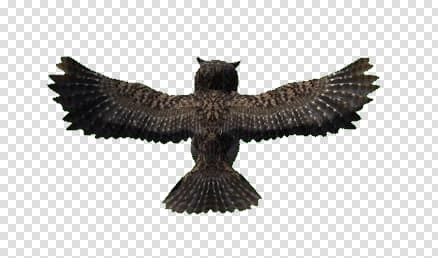
RemoveChromaKey
// Load Chroma-Key imageImageEnView1.IO.LoadFromFile( C:\ChromaKey.jpg );

// Guess the background color
KeyColorRGB := ImageEnView1.Proc.GuessChromaKeyColor();
// Remove Chromakey from the image (will become transparent)
ImageEnView1.Proc.RemoveChromaKey( KeyColorRGB, 0.21, 30, 2, 0 );
SetTransparentColors
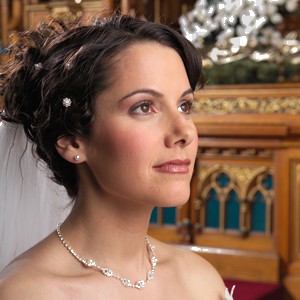
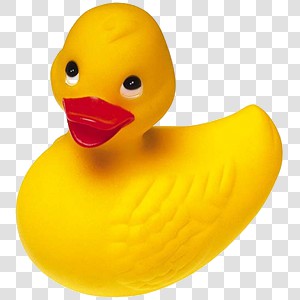
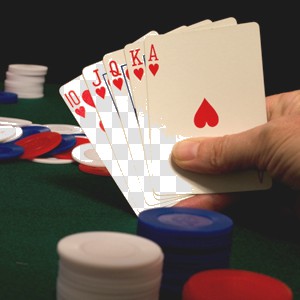
// Make colors similar to white transparentImageEnView1.Proc.SetTransparentColors( CreateRGB(255, 255, 255), 50, 0 );
See Also
◼Analysis Methods◼Color Adjustment Methods
◼Color Depth Methods
◼Detection Methods
◼Effects Methods
◼Filter Methods
◼Geometric Methods
◼Painting and Alpha Methods
◼Smoothing Methods
◼Other Methods
◼Selection Methods
◼Interactive Tools