TImageEnProc.Colorize
Declaration
procedure Colorize(Hue: Integer; Saturation: Integer; Luminosity: Double);Description
Set the hue and saturation for all pixels of the image. It also adjusts the luminosity using a multiplier.| Parameter | Description |
|---|---|
| Hue | A value between 0 and 359 (corresponding to 0 to 359 degrees around hexcone) |
| Saturation | A value between 0 (shade of gray) and 99 (pure color) |
| Luminosity | This is 1 if you don't touch the original luminosity. Whereas 1.1 would equate to 10% increase in luminosity, for example |
Note:
◼Colorize is the same as setting the HSV value for each pixel with a specified hue and saturation, and the value based on the gray-scale conversion of each pixel multiplied by your luminosity value
◼A UI for this is available to your users in the Image Processing dialog
◼If the image PixelFormat is not ie24RGB, ie32RGB or ie8p, it will be converted
Demo
 | Demos\ImageEditing\EveryMethod\EveryMethod.dpr |
Examples
Also see: Automated Samples
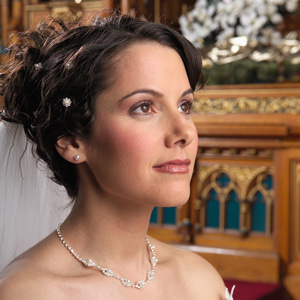
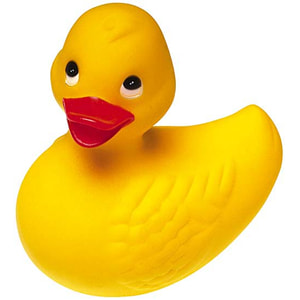
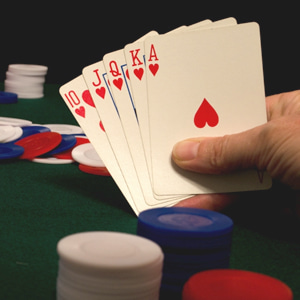
// Load test imageImageEnView1.IO.LoadFromFile( 'D:\TestImage.jpg' );
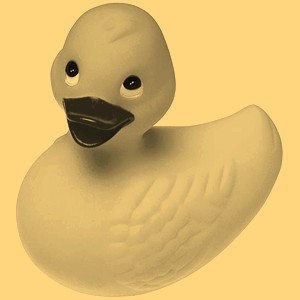
// Colorize the image with a sepia look
ImageEnView1.Proc.Colorize( 40, 50, 1.1 );

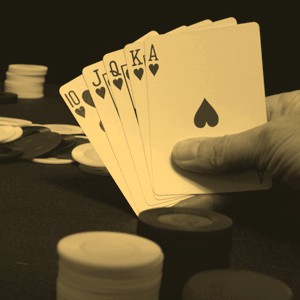
// Colorize the image based on the user's selection of a color
if IEPromptForColor( cl ) then
begin
ColorToHSV( cl, h, s, v );
ImageEnView1.Proc.Colorize( h, s, 1.0 );
end;
// User selected Red...