TImageEnProc.Warp
Declaration
procedure Warp(Origin: TPoint; Dest: TPoint; BrushSize: Integer); overload;procedure Warp(Origin: TPoint; WarpX, WarpY: Integer; BrushSize: Integer); overload;
Description
"Push" an area of the image.
| Parameter | Description |
|---|---|
| Origin | The start point of the warping (in terms of the bitmap) |
| Dest | The end point of the warping (in terms of the bitmap) |
| WarpX, WarpY | Number of pixels to push the image (negative or positive values ) |
| BrushSize | The size of the area to warp (in pixels) |
Note:
◼Available as a RetouchTool by setting MouseInteractGeneral to [miRetouchTool] and RetouchMode to iermWarp
◼Also consider thinPlateSplineShapeTransform which performs a regional warp transformation
Demo
 | Demos\ImageEditing\EveryMethod\EveryMethod.dpr |
Example
Also see: Automated Samples
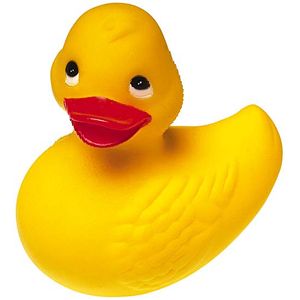
// Load test imageImageEnView1.IO.LoadFromFile( 'D:\TestImage.jpg' );

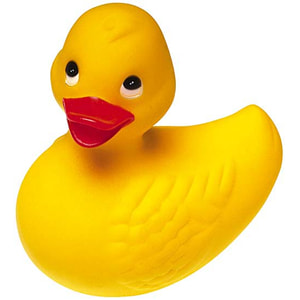

// Push the center of the image to the right
ImageEnView1.Proc.Warp( Point( 150, 150 ), 25, 0, 50 );