TImageEnProc.WhiteBalance_AutoWhite
Declaration
procedure WhiteBalance_AutoWhite();Description
Shift image colors by adjusting the white range.This method is similar to WhiteBalance_WhiteAt, but attempts to automatically detect the white value.
Note:
◼A UI for this is available to your users in the Image Processing dialog
◼If the image PixelFormat is not ie24RGB or ie32RGB, it will be converted
Demos
 | Demos\ImageEditing\AutoEnhance\AutoAdjust.dpr |
| | Demos\ImageEditing\EveryMethod\EveryMethod.dpr |
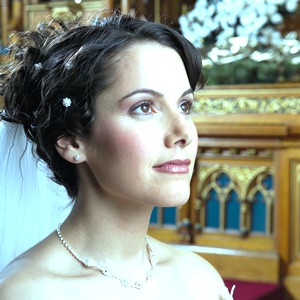
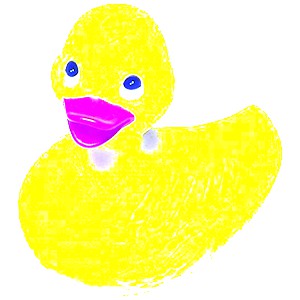
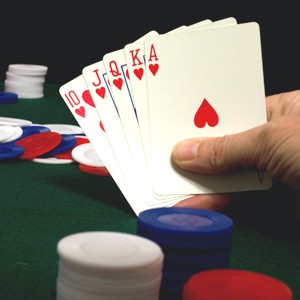
Comparison of White-Balance Methods
// Load test imageImageEnView1.IO.LoadFromFile( 'D:\TestImage.jpg' );
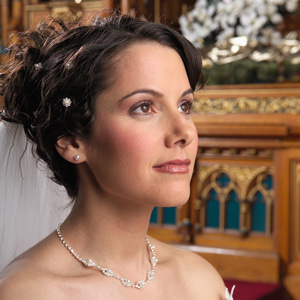
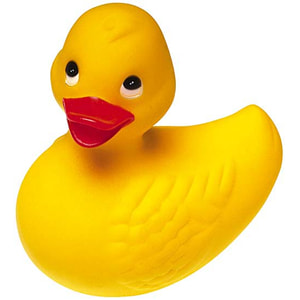
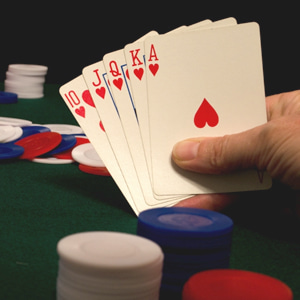
// WhiteBalance_AutoWhite
// Shift image colors by adjusting the white range
ImageEnView1.Proc.WhiteBalance_AutoWhite();
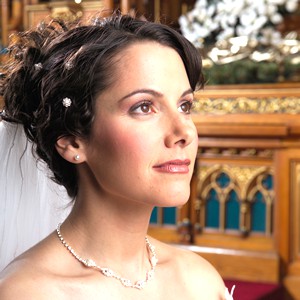
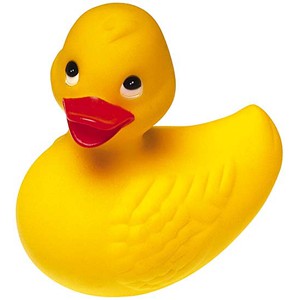
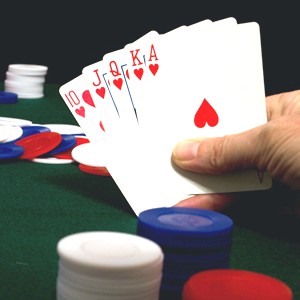
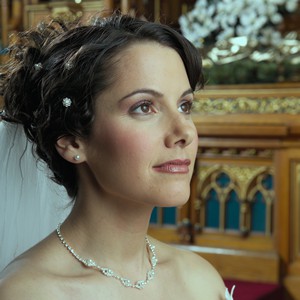
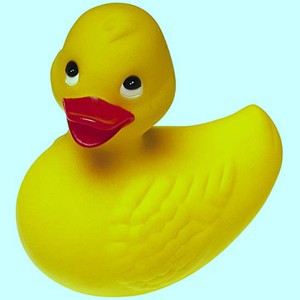
// WhiteBalance_Coef
// Decrease red level by 0.8
ImageEnView1.Proc.WhiteBalance_Coef( 0.8, 1, 1 );
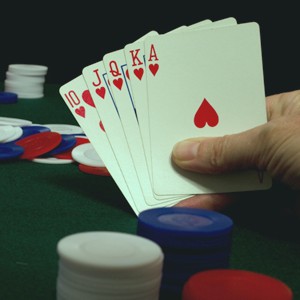
// WhiteBalance_GrayWorld
// Adjust image colors by applying the white balance algorithm "Gray World"
ImageEnView1.Proc.WhiteBalance_GrayWorld();
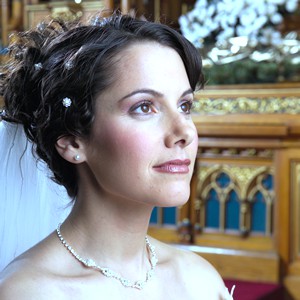
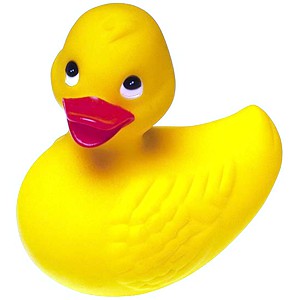
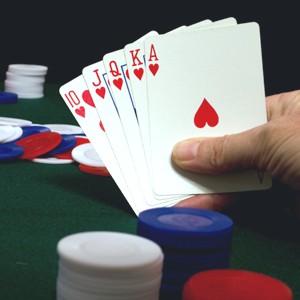
// WhiteBalance_WhiteAt
// Shift image colors by adjusting the white range (based on the white of the pixel at the center of the image).
ImageEnView1.Proc.WhiteBalance_WhiteAt( ImageEnView1.IEBitmap.Width div 2, ImageEnView1.IEBitmap.Height div 2 );
Example
Also see: Automated Samples
ImageEnView1.Proc.WhiteBalance_AutoWhite();See Also
◼WhiteBalance_Coef◼WhiteBalance_WhiteAt
◼WhiteBalance_GrayWorld